
If you’ve misplaced your UTR (Unique Tax Reference Number) you can find this through the new Government Personal Tax Account. The below steps show how to locate this.
1. Login to your Personal Tax Account
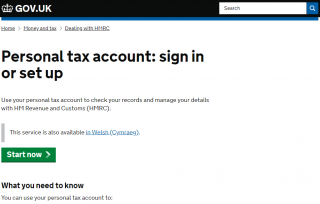
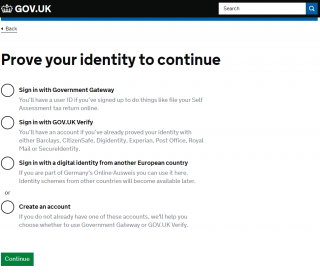
2. Verify using one of the methods listed
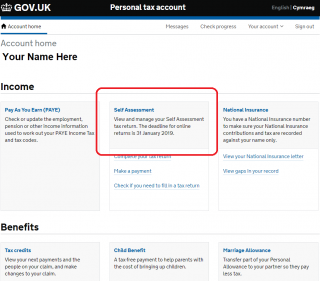
3. Once verified, on the home screen choose ‘Self Assessment’
4. Your Unique Taxpayer Reference (UTR) Number is displayed on screen
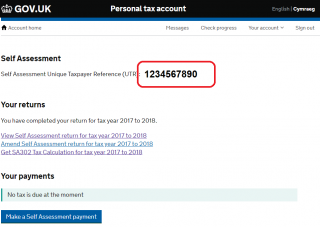
Your UTR is required when submitting your tax return as part of the online process. If you’re logged into your account with HMRC when submitting your return, you may not be required to input this, but do cross-check on your SA100 Tax Return that the numbers match, to ensure you are taxed correctly.