Skip to content

MTD, fully handled.

Opt in once and Pulse submits every quarterly Making Tax Digital update to HMRC for you – on time, from the records you already keep.

View the help guide

Included with every MTD package

Auto MTD is included at no extra cost on every package that includes our Making Tax Digital Service.

This feature launches Q2 2026/27

man laptop station

Key features...

Four deadlines become none

Four quarterly deadlines a year, handled without you having to remember a single one

You see the figures first

Your provisional figures are emailed to you before anything is sent, so there are never surprises

Your annual return stays yours

Your annual return still needs your approval – that does not change, and it never will

Opt out whenever you like

Switch it off whenever you like and go straight back to submitting each quarter yourself

How it works...

Switch It On

Turn Auto MTD on from your MTD Digital Records screen. It takes one tap, and Pulse will confirm once active by email so you have a record of the change.

Nothing else changes about how you keep your accounts.

We'll Keep You Posted

In each submission month you hear from us three times: a reminder on the 7th to bring your records up to date, your provisional figures on the 21st, and a final confirmation on the 28th showing exactly what we hold for you.

Pulse Submits Automatically

On the 1st of the following month your quarterly update goes to HMRC automatically.

You’ll get a confirmation showing precisely what was sent, broken down by income stream, so you always know where you stand.

Is it safe to use Auto MTD?

Quarterly MTD updates are not your final tax figures. They are in-year updates, and they are cumulative – so if you add a missed expense or correct an entry later on, the change simply carries through into your next quarterly update rather than needing to be unpicked.

Everything is settled at your annual return, and that always requires your own review and approval. Nothing final reaches HMRC without you agreeing to it. That does not change with Auto MTD, and it never will.

Pulse will not submit a quarter with nothing in it. If your records are still empty by the 21st we’ll notify you by email and text, and if nothing has changed by the 28th we take you out of that quarter’s run rather than send HMRC a blank return – and we’ll let you know so that you can update your records and submit manually through the system.
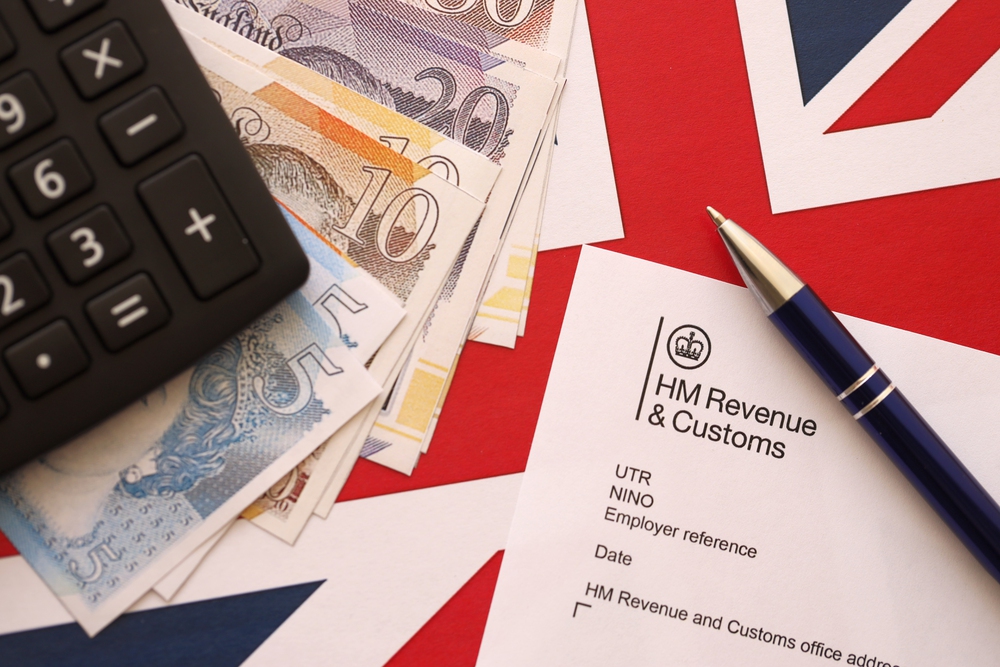
HM Revenue and Customs header on tax return form blank with money, calculator and pen close up

Frequently asked questions

Choose your package

Which packages include Auto MTD?

Every package that includes the MTD Service can opt-in to Auto MTD.

Slimming World Consultant Packages

  • Essentials + MTD, Essentials Complete, Premium and our VAT Service – plus any Essentials package where you have added the MTD module.

Small Business Packages

  • Small Business + MTD, Small Business Complete, and our VAT Service – plus any package where you have added the MTD module.

It costs nothing extra on top of what you already pay.

What if my records are not up to date?

That is what the reminders are for!

You’ll hear from us on the 7th, the 21st and again on the 28th, so there is plenty of warning to get your records up to date well before anything is sent.

Can I still submit a quarter myself?

Yes. If you have already started or completed a quarter yourself, Auto MTD leaves it well alone – you drop out of that quarter’s run automatically, and we will not send you the reminder emails for it either.

What if something in my figures turns out to be wrong?

Quarterly updates are in-year figures, not final ones, and they are cumulative.

If you spot something afterwards, the correction simply carries through into your next quarterly update, and everything is settled properly at your annual return – which you approve yourself.

Will I know when it has been submitted?

Every time. You’ll get your provisional figures on the 21st, a confirmation on the 28th, and a receipt once the submission has actually gone, showing the figures for each of your income streams.

What if I have not entered anything at all?

We will not submit an empty quarter.

If your records show no income and no expenses by the 21st we will email and text you a warning, and if they are still empty on the 28th we will take you out of Auto MTD for that quarter and tell you, so you can submit manually once you are up to date.

Can I turn it off?

At any time, from the Making Tax Digital dashboard on your portal.

You’ll receive an email confirming that you’ve opted out, and you’ll go straight back to submitting each quarter yourself. Just don’t forget the deadline!

Back To Top