Skip to content

Import shop sales from Zettle and Square - automatically

Connect your payment platform and import your group shop book sales – with no manual entry required!

View Integration Guides

New Member Offer

Join Square and receive free processing credits – or £20 off hardware. Learn More
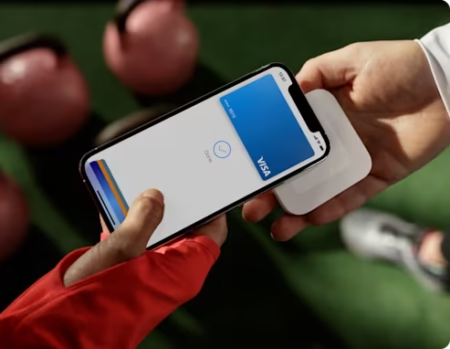
pd04499 uk reader iphonex apple pay

Key features...

Secure connection

Connect securely to your payment processor and sync your book sales direct

Accurate Records

No need for paperwork, everything from your provider is synced across automatically

Duplication detection

Pulse will check for duplicates before entry, keeping your records accurate

In-depth reporting

Identify your sales by groups to track performance, along with compliance for HMRC records

How it works...

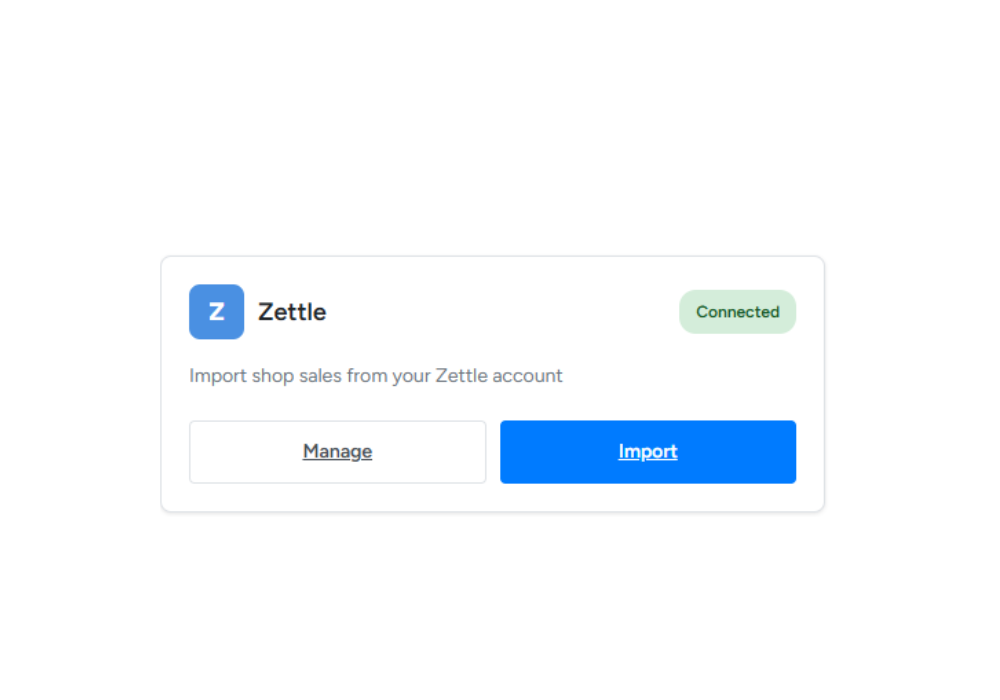
shop connection

Connect Once

Connect your Zettle or Square account with your API credentials. It’s a one-time setup that takes less than 5 minutes. Your credentials are stored securely and only used to fetch your sales data

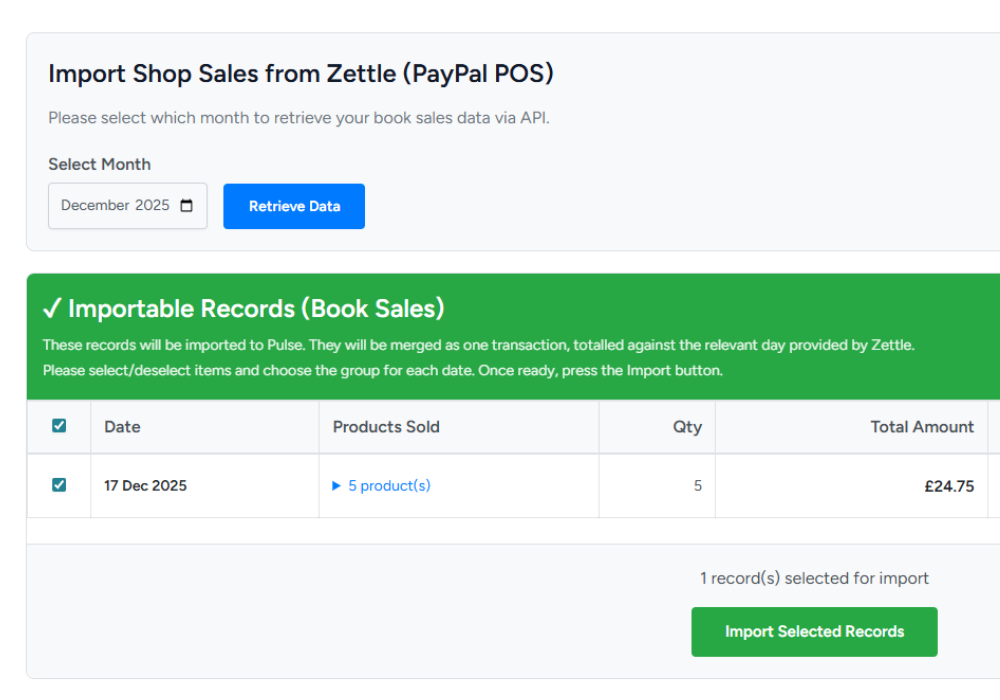
shop importing

Select & Review

Choose any month and Pulse retrieves all your completed sales. Book sales are automatically identified and grouped by date. Non-book items are shown separately for reference—they won’t be imported.

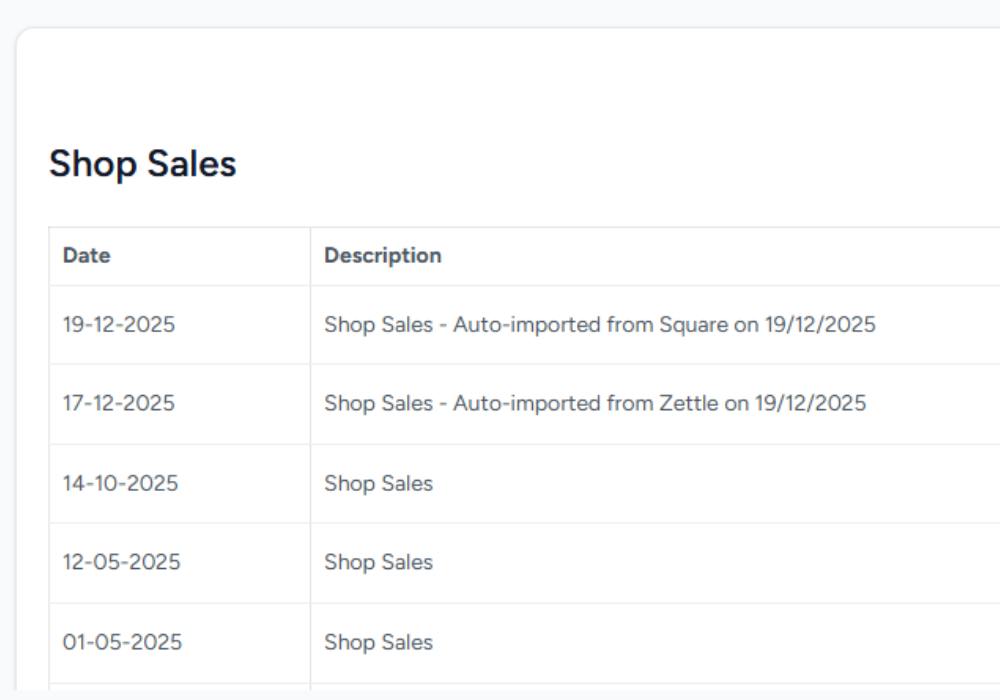
shop confirm

Assign & Import

Assign each day’s sales to the correct Slimming World group. Click Import and you’re done! All sales appear in your ledger, ready for reporting and tax calculations

Simple, easy reporting

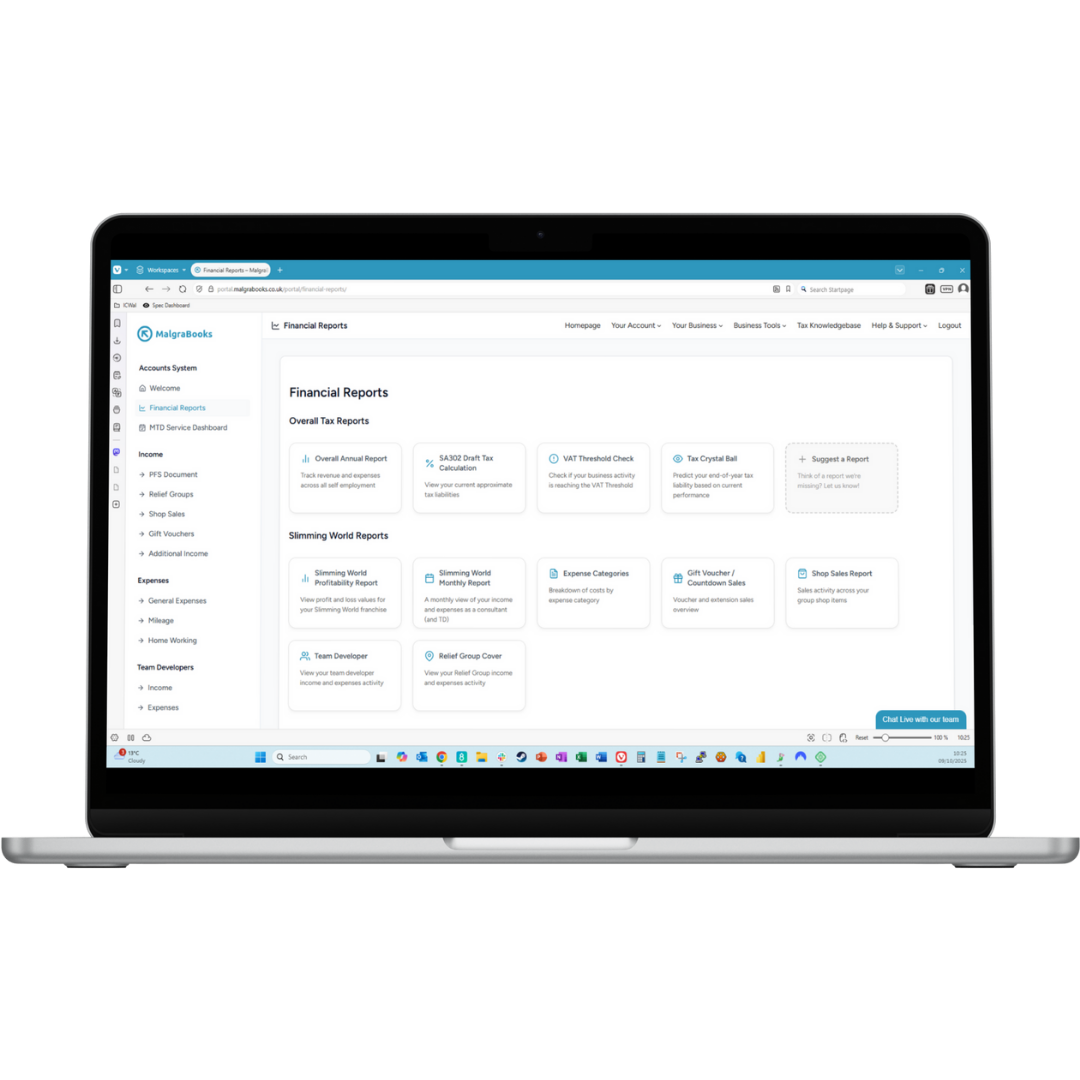
Once your shop sales are imported, Pulse’s comprehensive reporting tools bring your data to life. View your book sales performance across monthly, quarterly, and annual periods with detailed breakdowns by group and date.

Track which groups are generating the most book revenue, identify seasonal trends, and monitor your overall shop sales contribution to your income.

Every report is automatically formatted for HMRC compliance – export reports to PDF or CSV for your records, or view real-time dashboards that update as you import new data.

Whether you’re preparing for tax season or simply want to understand your business better, Pulse transforms your raw sales data into actionable insights
Mb Pulse Laptop View

Frequently asked questions

View Integration Guides

Do I need to use both Zettle and Square?

No! Use whichever platform works best for you.

Most consultants use one or the other—Pulse supports both so you have options.

What if I sell items other than books on my POS software?

Pulse automatically filters out non-book items by referencing the SKU code against each product.

Only products with “book” in the name or SKU starting with “book_” are imported.

Everything else is shown for reference but not added to your ledger.

Can I import previous months?

Yes! Import any month going back as far as your Zettle or Square account history allows. Great for catching up on past data.

What happens if I accidentally import the same month twice?

Nothing! Pulse detects duplicates automatically and won’t let you double-count sales. Previously imported items are clearly marked and can’t be re-imported.

How much does this feature cost?

Shop sales imports are currently included in all Pulse packages at no extra charge.

You just need your existing Zettle or Square account.

Is my payment data secure?

Absolutely. Your payment information is not transferred – only your shop sales value, product and date along with the SKU code.

Pulse only has read-only access to fetch sales data—we never modify or delete anything in your Zettle or Square account.

Can I also make manual entries?

Yes! The import system works alongside manual entries.

If you have cash sales or need to make corrections, you can still add or edit individual transactions anytime.

Back To Top