Skip to content

Already have an accountant?

Keep your records in Pulse through the year, then hand your accountant a single spreadsheet with the whole lot in it. No shoebox, no reconstructing twelve months in a panic.

See how Pulse works

Why use an accountant?

Many of our members run their own accounts, and securely prepare and submit their Tax Return through Pulse in just a few clicks.

However if you have complex or other business matters, you may wish to employ an external accountant.

small business laptop

Key features...

One file, the whole year

Your whole financial year as a single spreadsheet, ready to download whenever it is wanted

Nothing to reconstruct

Income, expenses, mileage and franchise figures already categorised and totalled

Any year, any time

Export any year you have kept in Pulse, as often as you like

Or submit direct to HMRC in a few clicks

Choose a package with our Tax Return or MTD Module and your data is submitted direct to HMRC quickly and securely

How it works...

Keep Your Records

Carry on entering your income and expenses through the year, or let Pulse pull them in from your franchise figures and your scanned receipts.

None of this is extra work – it is the same record keeping you would be doing anyway, just in one place.

Export The Year

When the year ends, download an annual export from your account.

Pulse will provide a spreadsheet covering the full financial year, with everything already categorised the way HMRC expects to see it.

Send It Over

Email it across. Your accountant has the figures they need in a format they can work with, without having to come back to you for the receipt you cannot find.

What your accountant actually receives

The annual export covers your full financial year in one spreadsheet: your income, your allowable expenses, your mileage and your franchise figures, each already categorised the way HMRC expects to see them.

That matters because the awkward part of handing records to an accountant is rarely the arithmetic. It is the gaps – the receipt nobody kept, the month that never got written up, the mileage that was going to be worked out later. If the records went into Pulse as the year went along, there are no gaps left to fill.

And if your circumstances change and you would rather submit the return through Pulse, simply add the Tax Return module to any package.
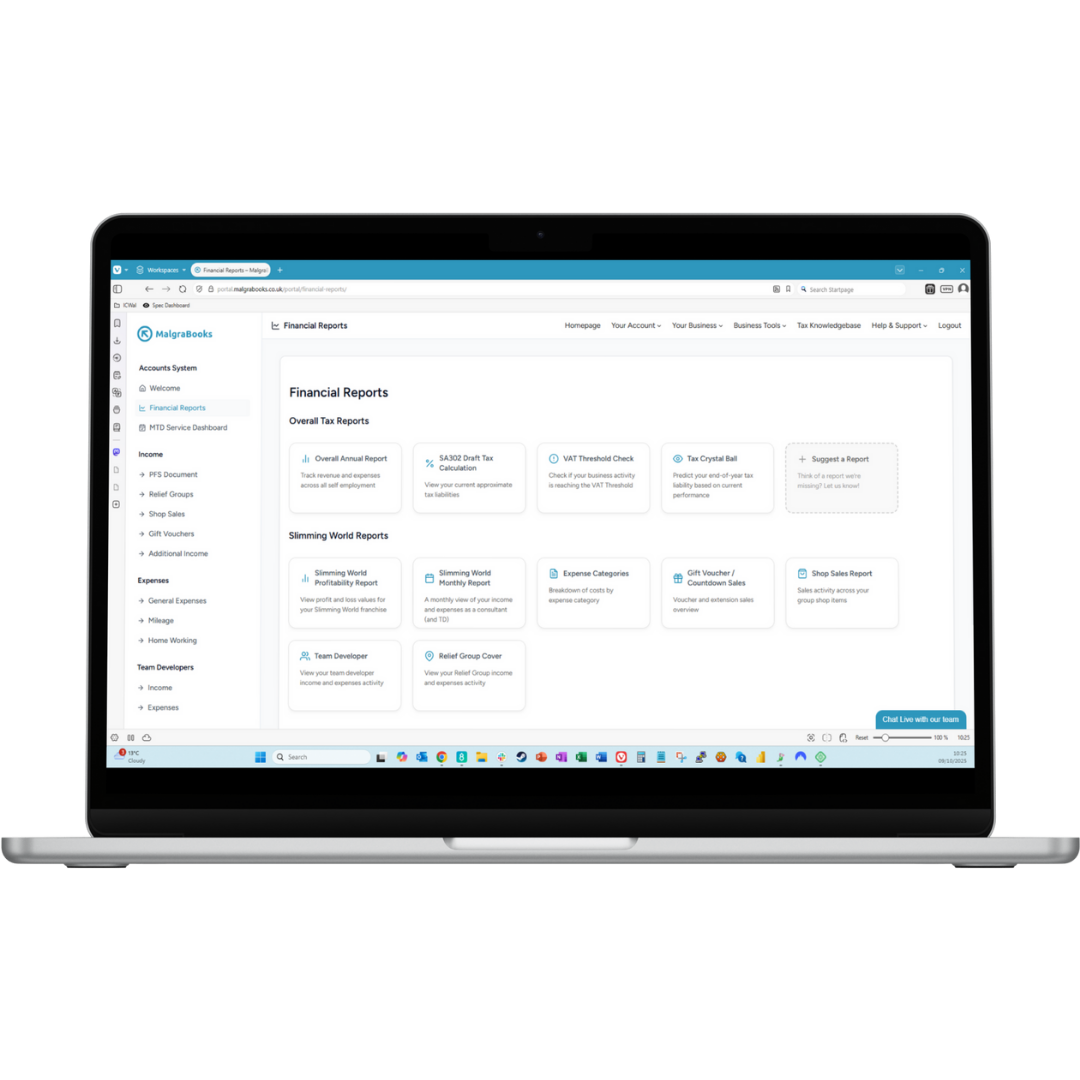
Mb Pulse Laptop View

Frequently asked questions

Choose your package

What format is the export?

A spreadsheet of your figures for the financial year. Your accountant can open it, sort it and work from it directly – there is nothing proprietary to install and nothing to convert first.

Does my accountant need their own login?

No. You download the export and send it on, which keeps things simple and means you stay in control of who sees your figures and when.

Can I export a previous year?

Yes, any year you have kept in Pulse. Useful if your accountant wants a comparison, or if you are catching up on more than one year at once.

Will this make my accountant cheaper?

That is between you and your accountant, but handing over categorised figures rather than a carrier bag of receipts usually means less time spent – and accountants generally bill for time.

Do I still need an accountant at all?

Plenty of consultants do not, and file through Pulse themselves. Others prefer the reassurance, or have circumstances that genuinely warrant advice. Pulse works either way, because either way the records are yours.

Can Pulse send my tax return instead?

Yes. Add the Tax Return module, or choose a package that already includes it, and Pulse will prepare your SA100 and submit it to HMRC for you.

What about my quarterly MTD updates?

If you are within Making Tax Digital you need quarterly updates as well as the annual return.

Pulse handles those too, and with Auto MTD it can even be submitted automatically.

Back To Top