
Your HMRC Statement provides details of any tax due, paid and any additional payments (such as payments on account) or adjustments made through the year.
HMRC Statements can be viewed online through your Personal Tax Account.
Finding your statement
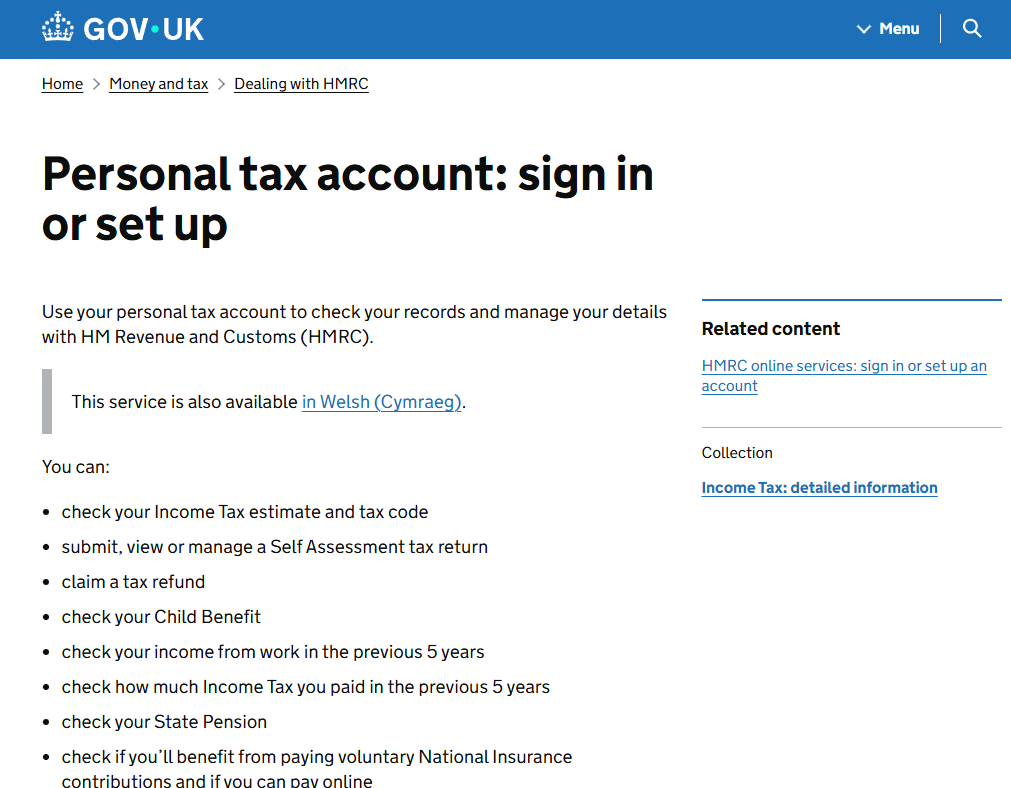
1. Login to your Personal Tax Account
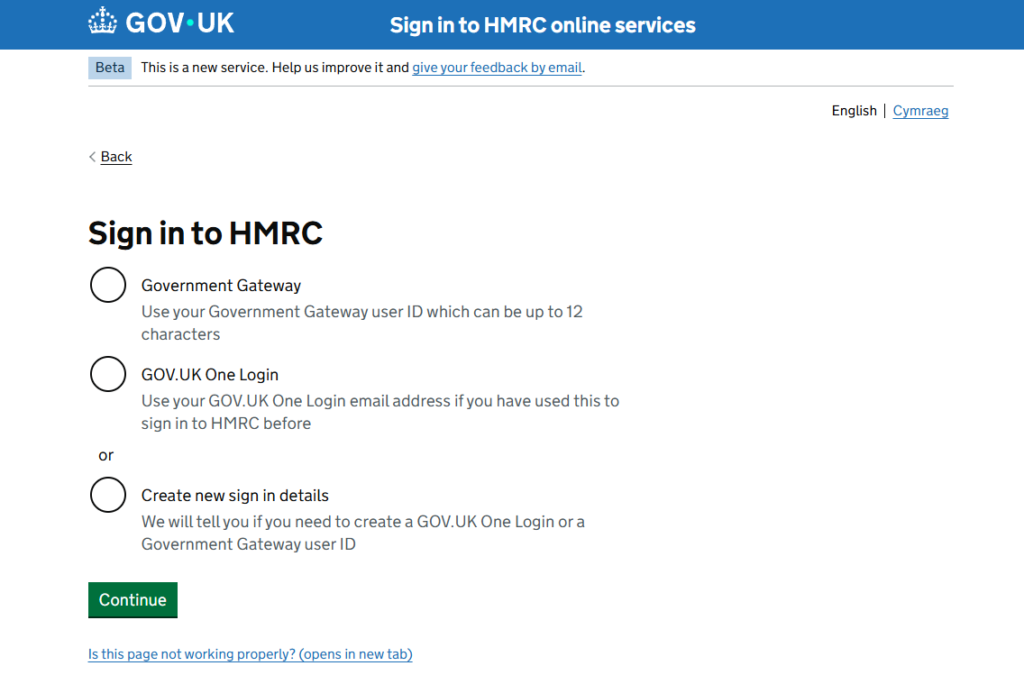
2. Verify using one of the methods listed
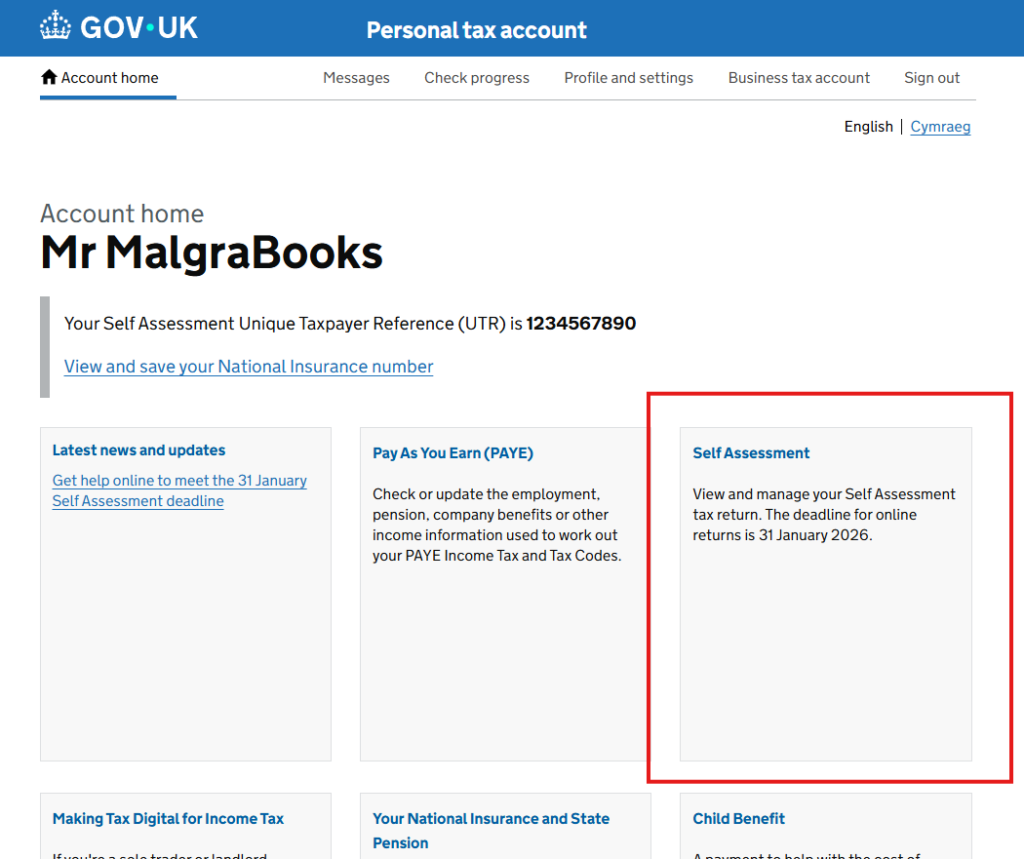
3. Once verified, on the home screen choose ‘Self Assessment’
4. You’ll then be shown your current standing with HMRC.
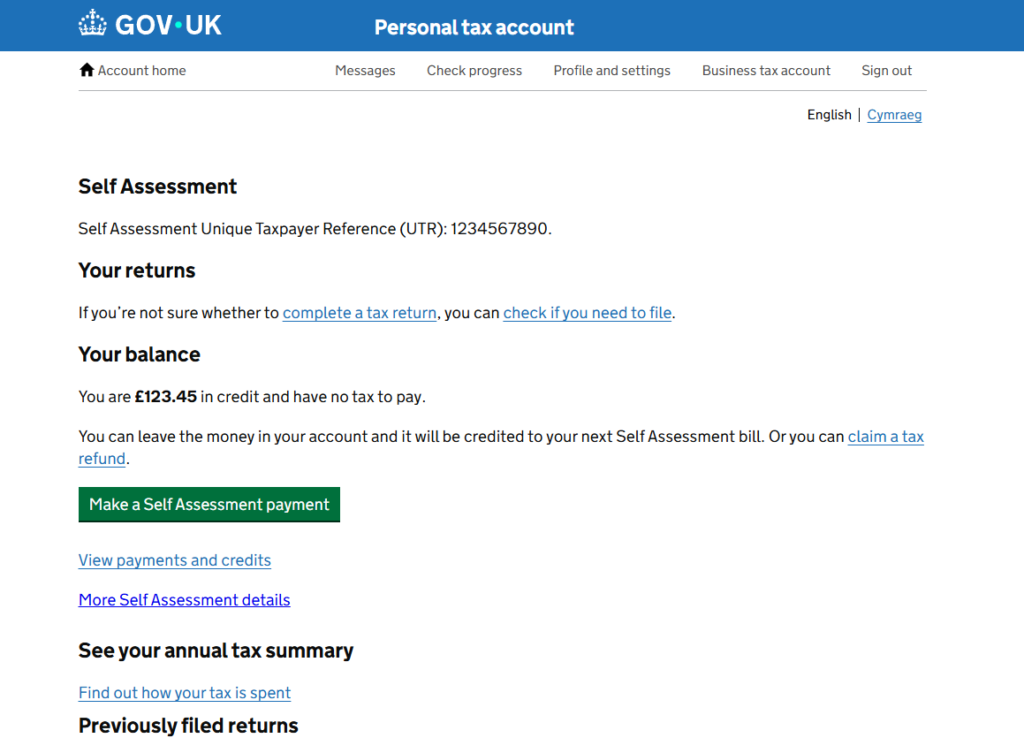
You can view a full breakdown of your status by clicking the ‘View payments and credits’ option on this page.
Getting help
If you need help with these screens, you should Contact HMRC directly for support.