
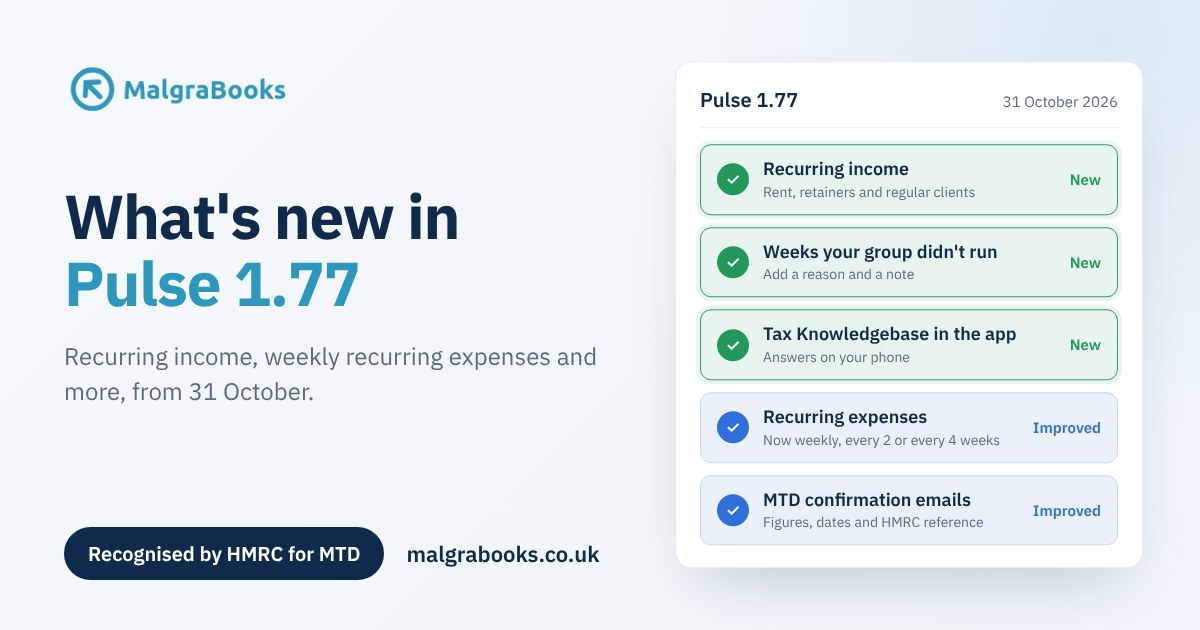
Pulse 1.77 is here. This update is all about saving you time on the things that come round again and again: landlord rent that arrives every month, a client who pays every two weeks, the weekly bills, and the weeks your group doesn’t run.
There’s something for everyone. Landlords and Small Business members get recurring income, recurring expenses now cover weekly payments, Slimming World consultants can keep a record of weeks a group didn’t run, and your MTD confirmation emails now show exactly what was sent to HMRC.
Here’s a quick look at what’s new.
New: recurring income
Lots of money comes in on a regular schedule. Rent from a tenant, a cleaning client who pays every two weeks, a monthly retainer for admin work. Pulse can now remember these and offer to add each one to your income for you.
Set it up once with the amount, how often it’s paid (weekly, every 2 weeks, every 4 weeks or monthly) and the date of the first payment. Pulse shows you the next three dates before you save, so you can check it’s right. Then, the day after each payment is due, Pulse asks you to confirm it.
Nothing goes into your accounts without you saying so. Before you confirm, you can change an amount if it was different that time, or untick a payment that didn’t come in. If something with the same date, amount and description is already in your ledger, Pulse highlights it and leaves it unticked, so nothing is counted twice.
You’ll find Recurring Income at the top of the income screen you use:
- Landlords: SA105 UK Property, then Income. Choose which property each payment is for.
- Self Employment: SA103F Self Employment, then Income. Choose which business it belongs to.
- Slimming World consultants: SW Income, then Additional Income.
A tip for landlords: check whether your tenancy says rent is paid monthly or every 4 weeks. They’re not the same. Every 4 weeks is 13 payments a year, and monthly is 12.
If you invoice a customer through Pulse, keep using recurring invoices for that customer instead. Marking an invoice as paid already adds it to your income. And consultants, your group income still comes in through your Weekly Franchise Accounts, so recurring income is just for other regular money you’d normally put in Additional Income.
Read the Recurring Income article
Improved: recurring expenses, now weekly too
Recurring expenses used to be monthly only. Now you can choose weekly, every 2 weeks or every 4 weeks as well. Have a weekly subscription, a fortnightly cleaner for your office or a four-weekly storage bill can all be set up once and confirmed as they go out.
The weekly options repeat on the same day of the week as the first payment, so a subscription on a Tuesday stays on a Tuesday. Monthly ones repeat on the same date each month, as before.
There’s a handy new option too. If you set up something that started a while ago, Pulse tells you how many payments have been due since then and what they add up to. You can choose to check and add them, going back up to 12 months, or just start from the next payment if you’ve already put them in yourself.
All your existing monthly recurring expenses carry on exactly as they were.
Read the Recurring Expenses article
New: weeks your group didn’t run
Now and then there’s a week without a Weekly Franchise Account. You might have been on holiday while another consultant covered your group – or the group couldn’t run for some other reason. Until now, those weeks just showed in yellow as missing.
You can now mark a week as Didn’t run and choose a reason, such as Holiday, Bank holiday or Venue unavailable. The week turns grey, so you can see at a glance that it’s been dealt with. On the web version of Pulse, you can also add a note to jog your memory later, like “Katie covered while we were in Spain”, and notes work on weeks your group did run too.
It’s just for your own records, so it doesn’t change your income, expenses or tax. You can mark a week from the Pulse app as well.
Read the article on weeks your group didn’t run
New: the Tax Knowledgebase in the Pulse app
Wondering whether you can claim something while you’re out and about? Our Tax Knowledgebase is now built into the Pulse mobile app, so the answer is right there on your phone, alongside your income, expenses and mileage.
Read more about the Tax Knowledgebase in the app
Improved: clearer MTD confirmation emails
When HMRC accepts a Making Tax Digital update you’ve sent from Pulse, the confirmation email now shows what was sent. You’ll see the dates the update covers, your income, expenses and profit, and the reference HMRC gave it, along with the date and time it was accepted.
If you have more than one business or rental property, you’ll get an email for each one as it’s accepted. It’s a handy record to keep, and it means you don’t need to log in to check that everything went through.
Your next quarterly update is due by 7 November. Our step-by-step guide walks you through it.
Have a look
All of these are live in Pulse from 31 October, so log in and take a look. If you have any questions or ideas for what we should build next, just get in touch through our contact form. We’d love to hear from you.
Missed the last update? See what came in Pulse 1.76, including quotes, recurring invoices and online payments.
Not with MalgraBooks yet? View our small business packages, see our packages for Slimming World consultants, or find your trade.
